
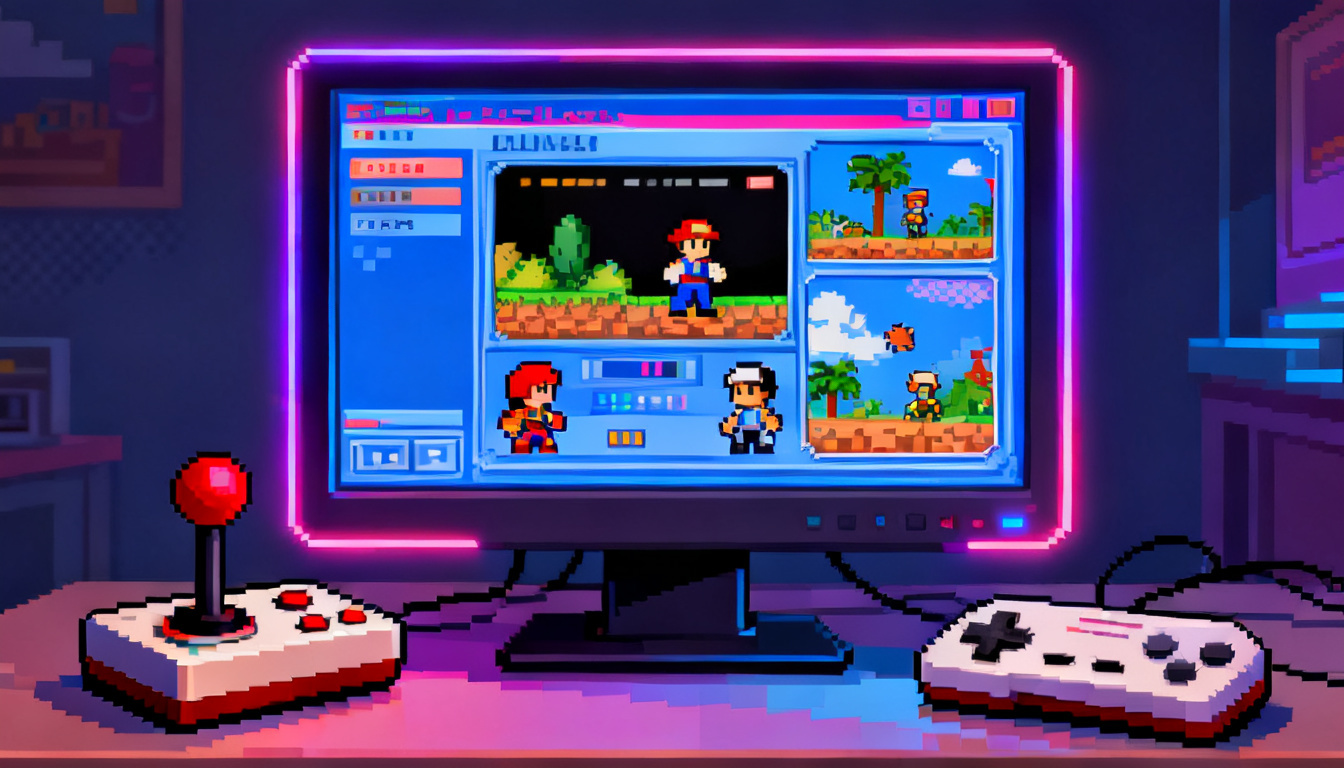
Have you ever wanted to play an old game from your childhood but realized you no longer own the old console? This is where video game emulation comes to the rescue. At its simplest, it is a way to make one device act like another one. Think of it like a digital translator. Your modern computer or smartphone learns how to “speak” the language of an old Super Nintendo or GameBoy. By using special software, you can run games that were never meant for your current hardware. It is a magical way to keep gaming history alive for everyone to enjoy today.
Many people use video game emulation to revisit classics like Mario, Zelda, or Sonic. It is not just about nostalgia; it is also about convenience. Instead of hooking up five different dusty boxes to your TV, you can have every game stored on a single laptop. This technology bridges the gap between the past and the present. It allows new generations of players to see where their favorite modern franchises started. Whether you are a pro gamer or just curious, understanding this tech opens up a whole world of digital fun.
Table of Contents
How Do Emulators Actually Work?
To understand video game emulation, you have to think about the “brain” of a console. Every gaming system has unique hardware. An emulator is a program that mimics that hardware using code. When you run an emulator, it creates a “virtual” version of the old console inside your computer. This virtual machine fools the game file into thinking it is running on the original plastic console. It handles the graphics, the sound, and the controller inputs perfectly. It is a very complex task for your computer, but modern processors are fast enough to handle it easily.
When you start a session of video game emulation, the software reads a file called a ROM. This ROM is essentially a digital copy of the data found on an old game cartridge or disc. The emulator processes this data and displays it on your screen. Because modern screens are much better than old TVs, emulators often include “shaders.” These are filters that make the game look crisp or even like an old-fashioned tube television. It is a beautiful blend of old-school art and high-tech software engineering that works together seamlessly.
Why People Love Video Game Emulation
The biggest reason people enjoy video game emulation is the freedom it provides. Many old games are very expensive to buy now. Some rare cartridges cost hundreds of dollars! Emulation allows people to experience these gems without breaking the bank. Also, original hardware eventually breaks down. Capacitors leak and disc drives stop spinning. By using video game emulation, we can preserve these games forever in a digital format. It ensures that the hard work of game developers from the 1980s and 1990s is never lost to time.
Another cool benefit of video game emulation is the “Save State” feature. Back in the day, games were very hard and did not always let you save your progress. With an emulator, you can save your game at any exact second. If you are about to fight a tough boss, you can save right there. If you lose, you just reload and try again instantly. This makes older, frustrating games much more fun for casual players. It turns a stressful experience into a relaxing hobby that fits into a busy modern schedule.
The Equipment You Need to Start
Getting started with video game emulation is actually quite simple and does not require a supercomputer. Most people use their everyday Windows PC or an Android phone. Even a cheap laptop can usually handle systems like the NES, Sega Genesis, or PlayStation 1. If you want to try video game emulation for newer systems like the Wii or PS3, you will need a stronger computer with a good graphics card. The more modern the console you want to copy, the more power your current device will need to stay smooth.
You also need a way to control the action. While you can use a keyboard, it does not feel quite right for most titles. Most people doing video game emulation prefer to plug in a USB controller. You can even use an Xbox or PlayStation controller that you already own. Having a real d-pad and buttons makes the experience feel authentic. Once you have your hardware and your controller, you just need to download the right emulator software. There are many free options available online that are safe and easy to install for beginners.
Important Terms You Should Know
| Term | Meaning in Simple Words | Why It Matters |
| Emulator | The software that acts like a console. | This is the “engine” that runs the game. |
| ROM | A digital copy of a game cartridge. | This is the actual game file you play. |
| ISO | A digital copy of a game disc (CD/DVD). | Used for newer systems like PlayStation or GameCube. |
| BIOS | The internal operating system of a console. | Some emulators need this “heart” to start up. |
| Save State | A snapshot of your game at any moment. | Lets you stop and start exactly where you were. |
| Input Lag | A tiny delay between a button press and action. | Good emulators try to make this as small as possible. |
Is Video Game Emulation Legal?
This is a question many people ask when they first hear about video game emulation. The answer is a bit like a “yes and no” sandwich. The actual software, the emulator itself, is completely legal to own and use. Companies have even tried to sue emulator creators in the past, but the courts ruled that making software to mimic hardware is fine. However, the games (ROMs) are protected by copyright. This means you should only play digital copies of games that you already own physically in your collection.
In the world of video game emulation, downloading games from random websites is usually frowned upon by companies. The safest and most ethical way to enjoy this hobby is to “dump” your own games. This means using a tool to copy the data from your own cartridges onto your computer. This way, you are creating a backup for your own personal use. Most gamers agree that as long as you are not selling the games or pirating new ones, you are in a safe zone for private enjoyment.
Setting Up Your First Emulator
To begin your journey into video game emulation, you first need to pick a system. Let’s say you want to play Super Nintendo games. You would look for a highly-rated emulator like SNES9x. After downloading it, you simply open the program on your computer. It might look a bit plain at first, but don’t worry! You will go to the “File” menu and select “Open.” Then, you find the game file you have saved on your hard drive. Within seconds, the classic logo will pop up on your screen.
Once the game is running, you should check the settings. Video game emulation allows you to change how the game looks and sounds. You can make the window bigger or go into full-screen mode. It is also important to “map” your buttons. This means telling the computer which button on your controller matches the buttons on the old console. Once that is done, you are ready to play! It is a quick process that becomes second nature once you have done it a couple of times.
Improving Graphics with Upscaling
One of the coolest parts of video game emulation is making old games look better than they ever did. Original consoles were made for low-resolution TVs. On a big 4K monitor, those old games can look a bit blurry. However, many emulators have a feature called “Internal Resolution Scaling.” This tells the software to draw the game at a much higher quality. It can turn a jagged, pixelated 3D game from 1996 into something that looks sharp and clean. It is like giving an old car a brand-new shiny engine.
You can also use “Texture Packs” in video game emulation. These are files created by fans that replace old, blurry images with high-definition versions. Imagine playing an old Zelda game where the grass and trees look detailed and modern! This community-driven side of emulation shows how much people care about these classic titles. It breathes new life into art styles that were limited by the technology of their time. It is truly the best way to experience these masterpieces in the modern age.
Playing With Friends Online
Back in the day, if you wanted to play with friends, they had to sit on the couch next to you. With video game emulation, you can now play those same “local-only” games over the internet. Software like RetroArch or Parsec allows you to connect with a friend miles away. The emulator tricks the game into thinking your friend is plugged into “Controller Port 2” right next to you. This has made video game emulation a very social hobby. You can race in Mario Kart or fight in Street Fighter with anyone in the world.
This feature is great for people who have moved away from their childhood friends. You can hop on a voice call and play a game together just like you did when you were kids. This social aspect of video game emulation is one of its strongest points. It proves that gaming is about the connections we make, not just the hardware we use. Setting it up takes a little bit of extra work with network settings, but the reward of playing a classic with a buddy is totally worth the effort.
Exploring the World of ROM Hacks
Once you get comfortable with video game emulation, you might discover “ROM Hacks.” These are fan-made versions of classic games. People take the original game code and change it to create new levels, new characters, or even entirely new stories. For example, there are thousands of custom Super Mario levels that are much harder than the original game. Video game emulation is the only way to play these creative projects. It turns a 30-year-old game into something brand new and exciting that you have never seen before.
Some ROM hacks even fix bugs that were in the original games. Others translate games that were only released in Japan into English. Without video game emulation, English speakers would never have been able to play many amazing RPGs from the 90s. This community of hackers and translators provides a massive service to the gaming world. They ensure that great stories are accessible to everyone, regardless of what language they speak or where they live. It is a testament to the passion of the global gaming community.
Common Problems and How to Fix Them
Sometimes, video game emulation doesn’t work perfectly on the first try. You might see a black screen or hear “crackly” audio. Most of the time, this is because a setting is wrong. If the game is running too fast, you might need to turn on “V-Sync.” If it is too slow, your computer might be struggling to keep up. Lowering the resolution often fixes speed issues. Video game emulation is a bit of a puzzle sometimes, but finding the solution is usually just a quick search away on a forum or YouTube.
Another common issue is “Ghosting” or blurry movement. This can often be fixed by changing the video “renderer” in the settings menu. Most emulators give you a choice between things like OpenGL, Vulkan, or DirectX. Switching between these can make a huge difference in how stable the game feels. Don’t be afraid to click through the menus and experiment. You can’t break the game permanently! Part of the fun of video game emulation is tweaking things until you have the “perfect” setup for your specific screen and computer.
The Future of Game Preservation
As we move further into the digital age, video game emulation becomes more important than ever. Many modern games require an internet connection to work. When those servers shut down, the games might disappear forever. Preservationists are working hard to use emulation techniques to save these experiences for the future. Video game emulation is essentially the library of the gaming world. It stores the “books” so that our grandchildren can see what we played. It is a vital tool for historians and fans alike.
We are also seeing companies embrace video game emulation themselves. Nintendo, Sony, and Microsoft all use emulators to sell old games on their new stores. When you play a “Virtual Console” game on a Switch, you are actually using an emulator built by Nintendo! This shows that even the big companies know how valuable this technology is. By supporting video game emulation, we are supporting the idea that art should be preserved and accessible, not just thrown away when the next big thing comes out.
Frequently Asked Questions
1. Is video game emulation safe for my computer?
Yes, emulators from trusted sources are very safe. Just make sure you download them from official websites. Never run a “.exe” file if you aren’t sure where it came from.
2. Can I play modern games using emulation?
Usually, no. Emulation is mostly for older systems. It takes a long time for programmers to figure out how to mimic new consoles like the PS5. Most people use it for “Retro” gaming.
3. Do I need a powerful PC for video game emulation?
For old systems like the NES or Genesis, a potato could run them! But for newer 3D systems like the PS3 or Switch, you will need a modern gaming computer with a strong CPU.
4. Where do I get the games?
The best way is to use a device to copy the games you already own. There are many tutorials online that show you how to “rip” your own discs or cartridges safely.
5. Why is my controller not working?
You usually have to go into the “Input” or “Controller” settings in the emulator and “map” the buttons manually. The emulator needs to be told which button is which!
6. Can I play emulators on my phone?
Yes! Android phones are great for video game emulation. You can find many emulators on the Google Play Store. iPhones are a bit harder but it is still possible through certain apps.
Conclusion: Start Your Retro Adventure
In conclusion, video game emulation is a fantastic way to explore the history of interactive entertainment. It allows us to keep the past alive, improve how old games look, and play with friends across the globe. Whether you want to beat that one level you couldn’t finish as a kid or discover a hidden gem from Japan, emulation makes it possible. It is a hobby that rewards curiosity and rewards those who love the art of gaming.
So, why not give it a try today? Pick your favorite old console, find a well-regarded emulator, and dive back into the pixels. You might be surprised at how well those old games hold up. Video game emulation isn’t just about software; it’s about the joy of play. Share your favorite memories with others, and let’s keep the spirit of classic gaming burning bright for years to come!